1 What is a man-in-the-middle attack
Wikipedia has a great article on MITM attacks, I would recommend reading that over what I try to summarize lol.
To quote the Wikipedia,
“In cryptography and computer security, a mitm attack is a cyber attack where the attacker secretly relays and possibly alters the communications between two parties who believe that they are directly communicating with each other, where in actuality the attacker has inserted themselves between the two user parties.”
2 Motivation
I play a single player mobile game on my phone called TinyTower by Nimblebit. Even though this is a primarily single player game, there are still some social features in the game such as visiting friends and sending gifts to other players. The presence of these actions requires there to be some network communication to send the items to the other players, these seem like they could be cool features to build a trading platform for the game on top of!
3 Problem Statement
In order to build a trading platform for in-game items in TinyTower, we need a way to send items to other players. This feature exists natively in the game, we just need to figure out what happens and how it works. Today, we will use a MITM setup to capture the network traffic while playing the game and sending an item to another play to try to get some preliminary insights.
4 MITM Setup
I am going to use Charles Proxy in this article because I think it has a nice user interface and feels intuitive.
4.1 Charles Installation
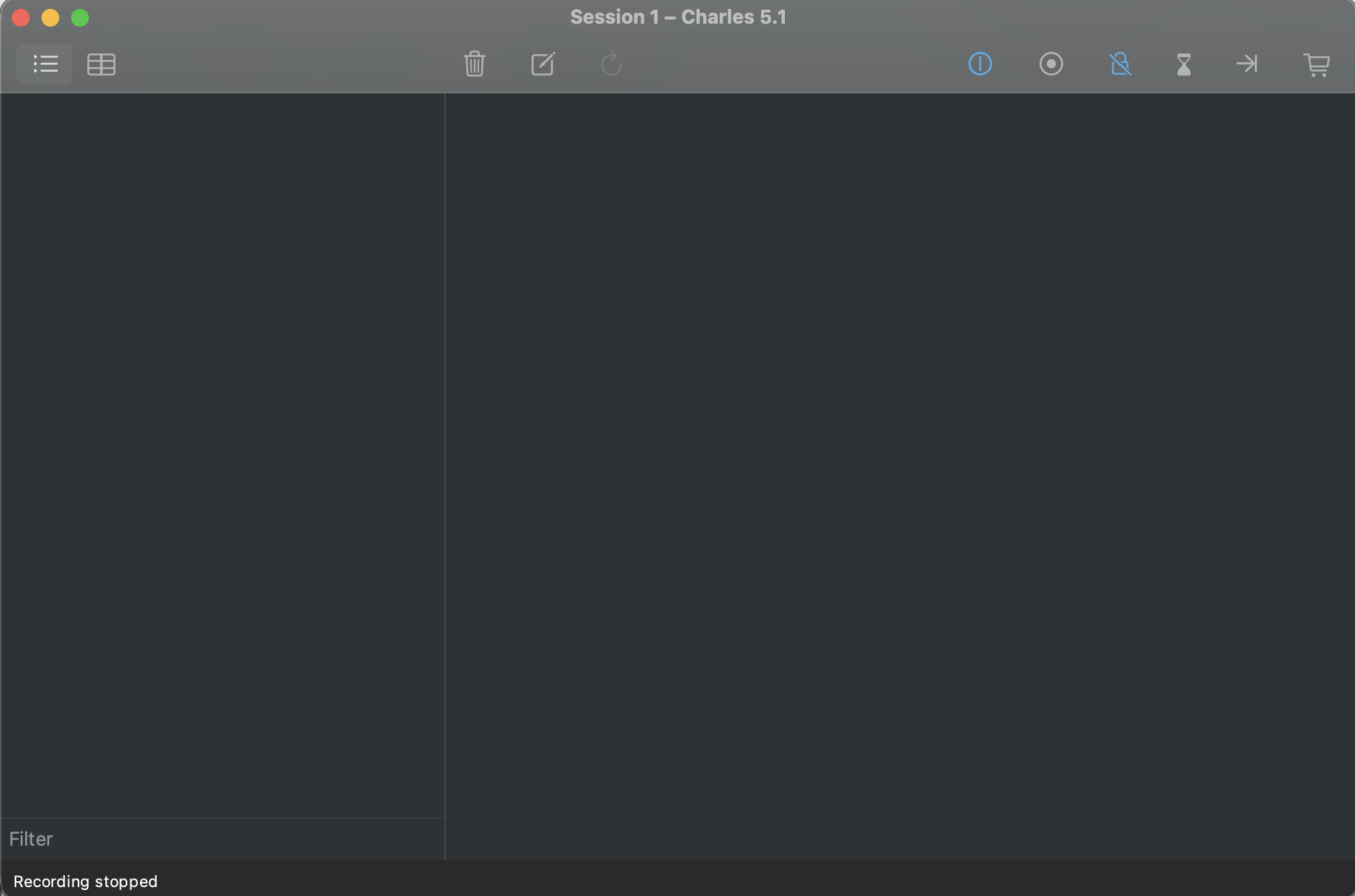
To install Charles Proxy, visit https://www.charlesproxy.com/, navigate to the download page, and follow the specific instructions for your operating system. I use MacOS, so I will use the MacOS dmg download. Once Charles Proxy is installed on your system, go ahead and launch it. You should be looking at something that looks like this
4.2 Initial Investigation
Since I am on MacOS, I can play TinyTower on my laptop by installing it from the
app store. This is convenient because it removes a step of pointing your phone
at Charles Proxy. Instead, we just need to ensure that Proxy > Use MacOS proxy
is enabled in the menu bar and then go to Proxy > Start recording. After
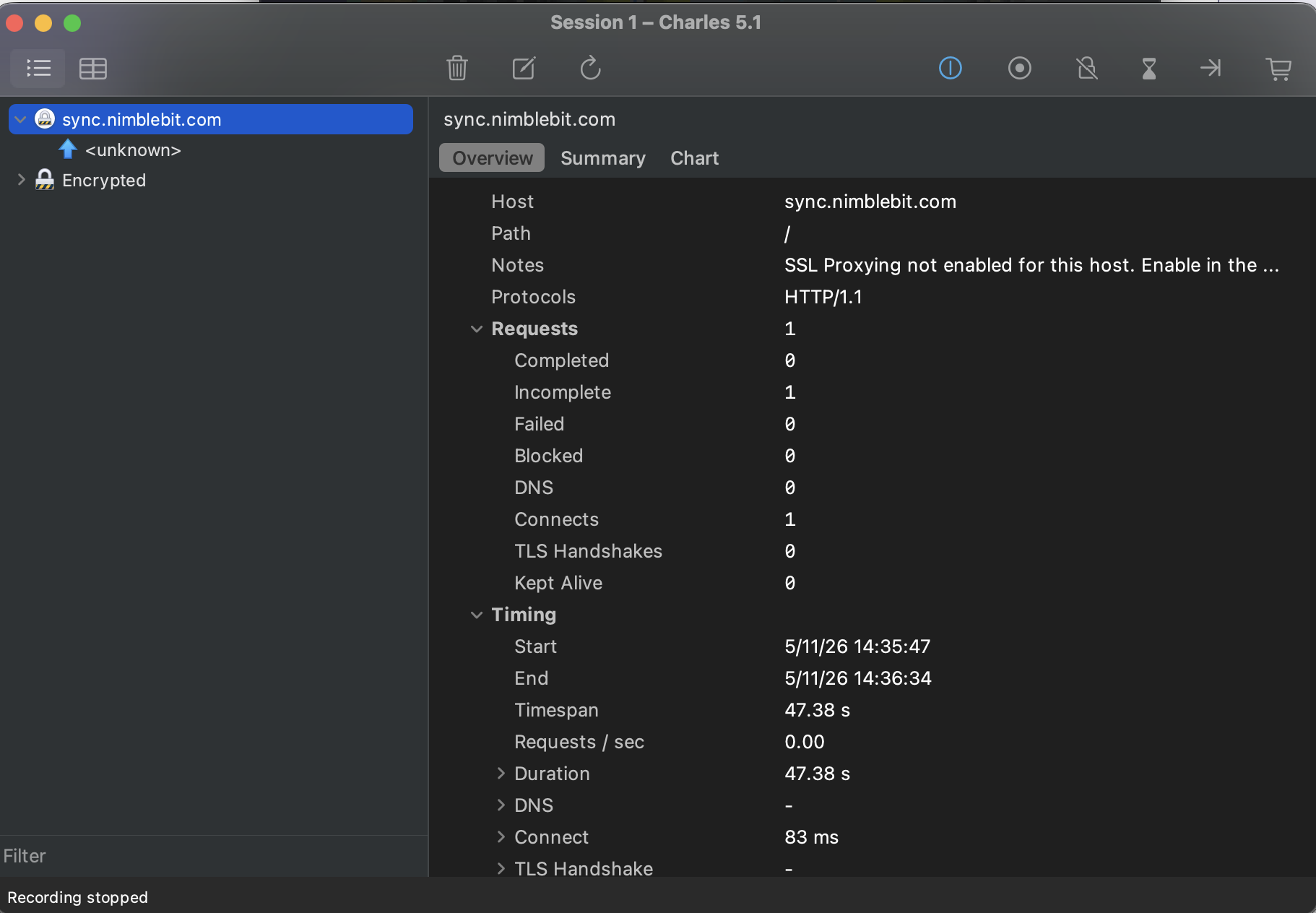
launching the game, we can “focus” the traffic we want to see by right clicking
on the flow and “focusing” it.
4.3 Enabling SSL Proxying
Since the app uses https to connect to the server, we can’t inspect the network
traffic right away, as it is encrypted. There is even a helpful note in Charles
on the overview tab which reads as “SSL Proxying not enabled for this host.
Enable in the Proxy Menu, SSL Proxying Settings.” That is exactly what we are
going to do now. We are going to install a trusted root certificate generated by
Charles so that other apps and programs on our device trust Charles Proxy when
it pretends to be the other party in communications. To pull this off, Charles
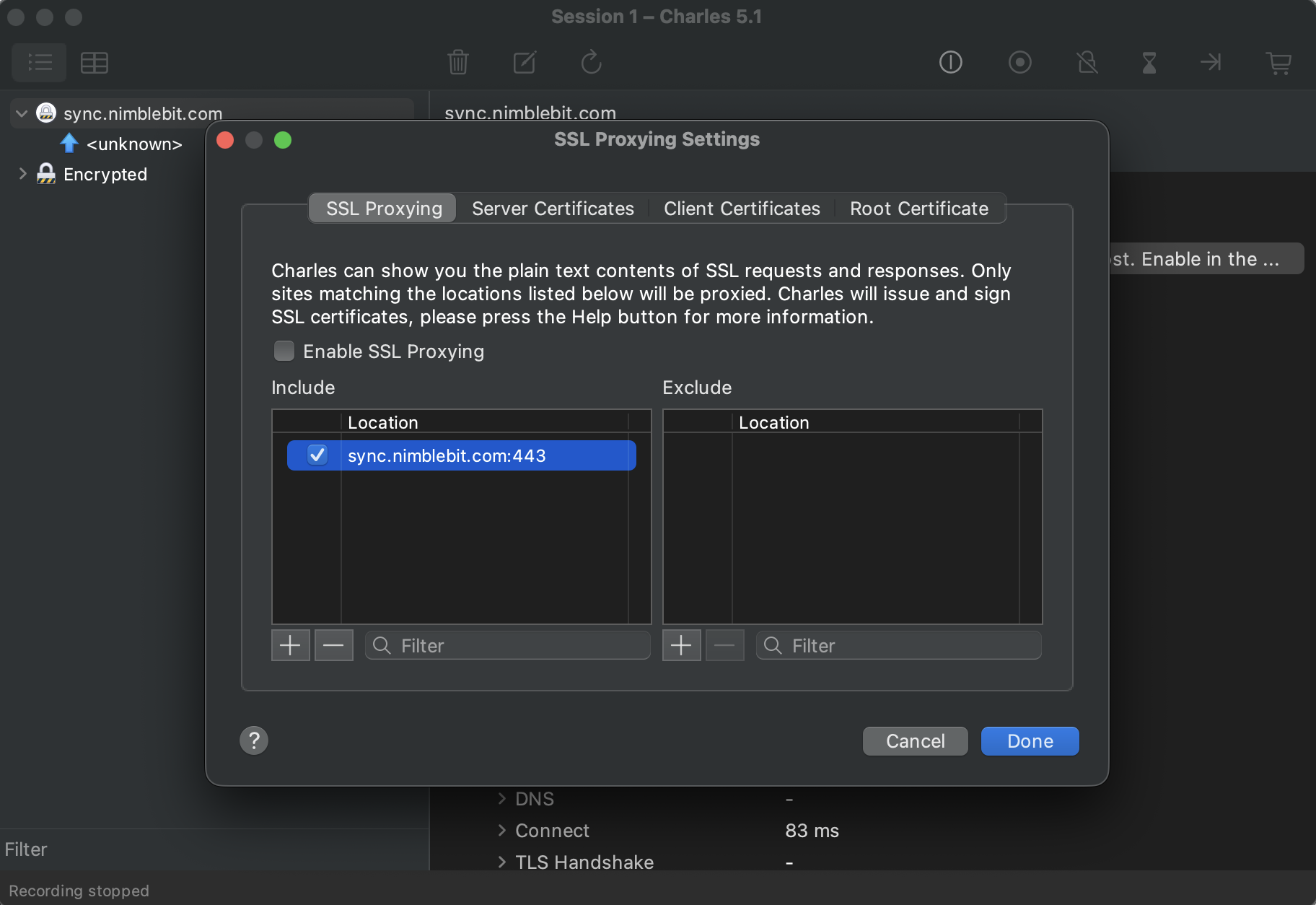
Proxy first needs to know whom you could want it to pretend to be so that it can
filter the flows. We can do this using the Proxy > SSL Proxy Settings. Next,
visit https://chls.pro/ssl in your browser and download the generated root
certificate. Finally, install and trust the root certificate in your OS
certificate trust store. More detailed instructions can be found on Charles
Proxy site https://www.charlesproxy.com/documentation/proxying/ssl-proxying/
4.4 Preliminary results
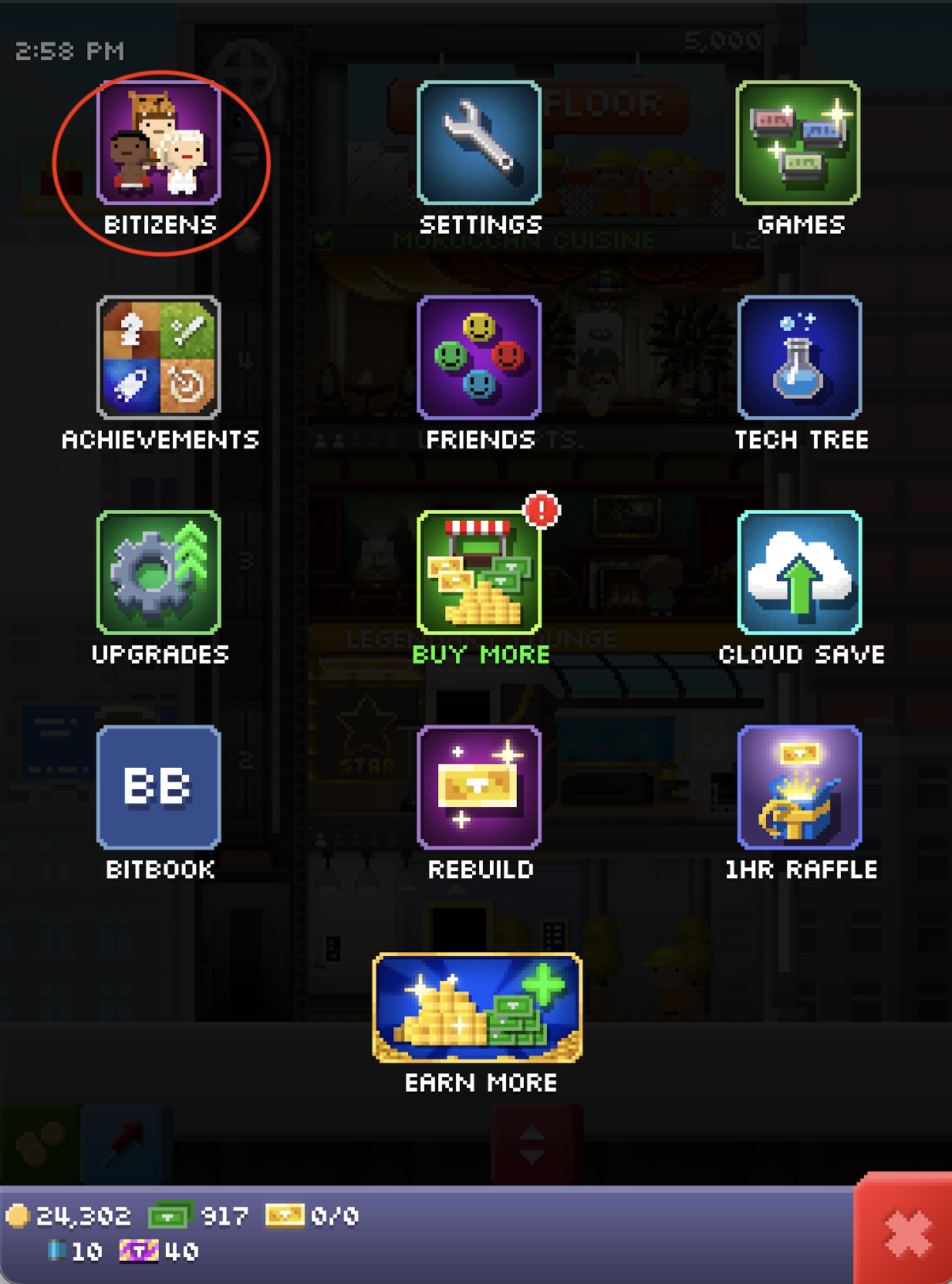
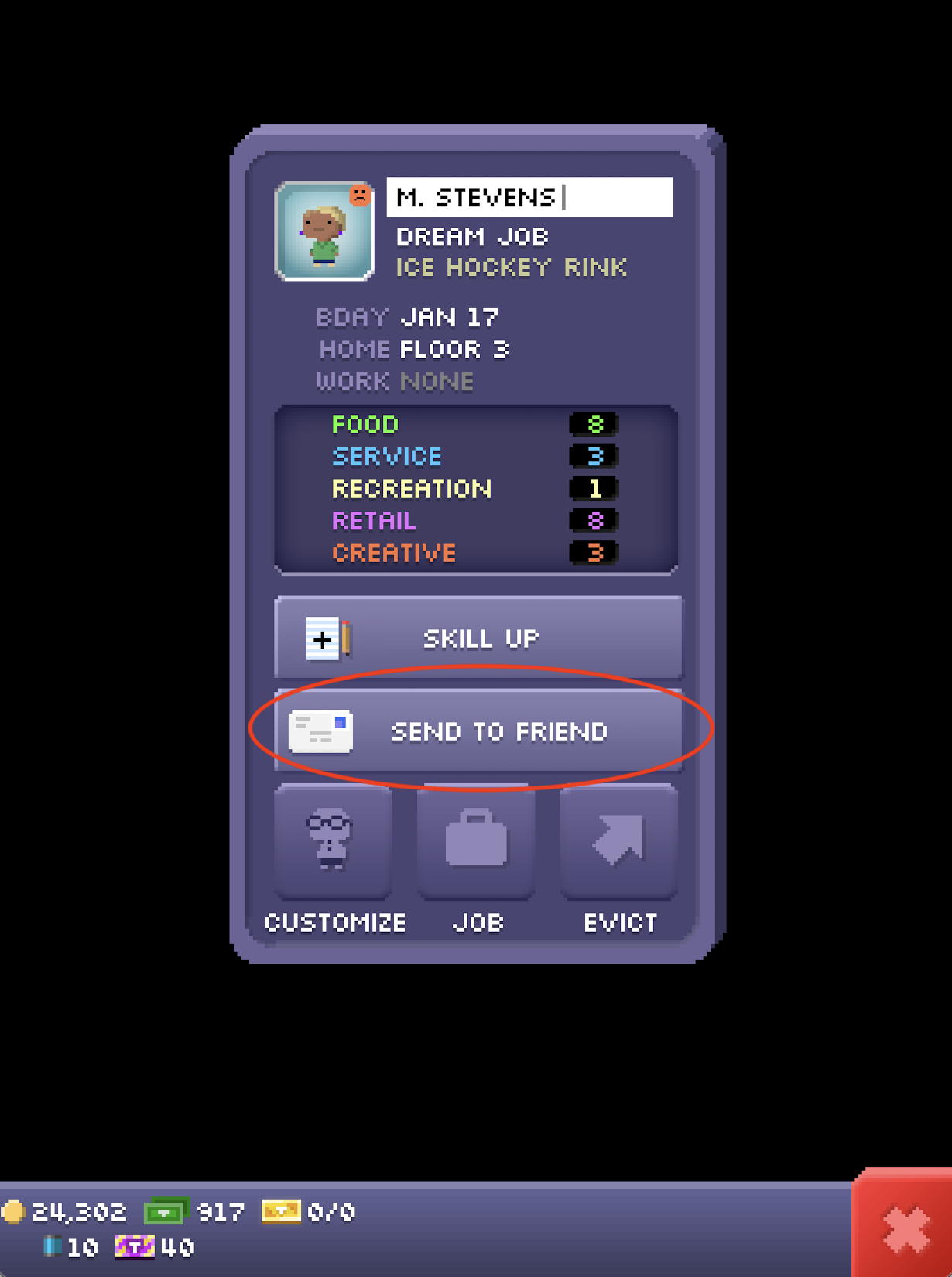
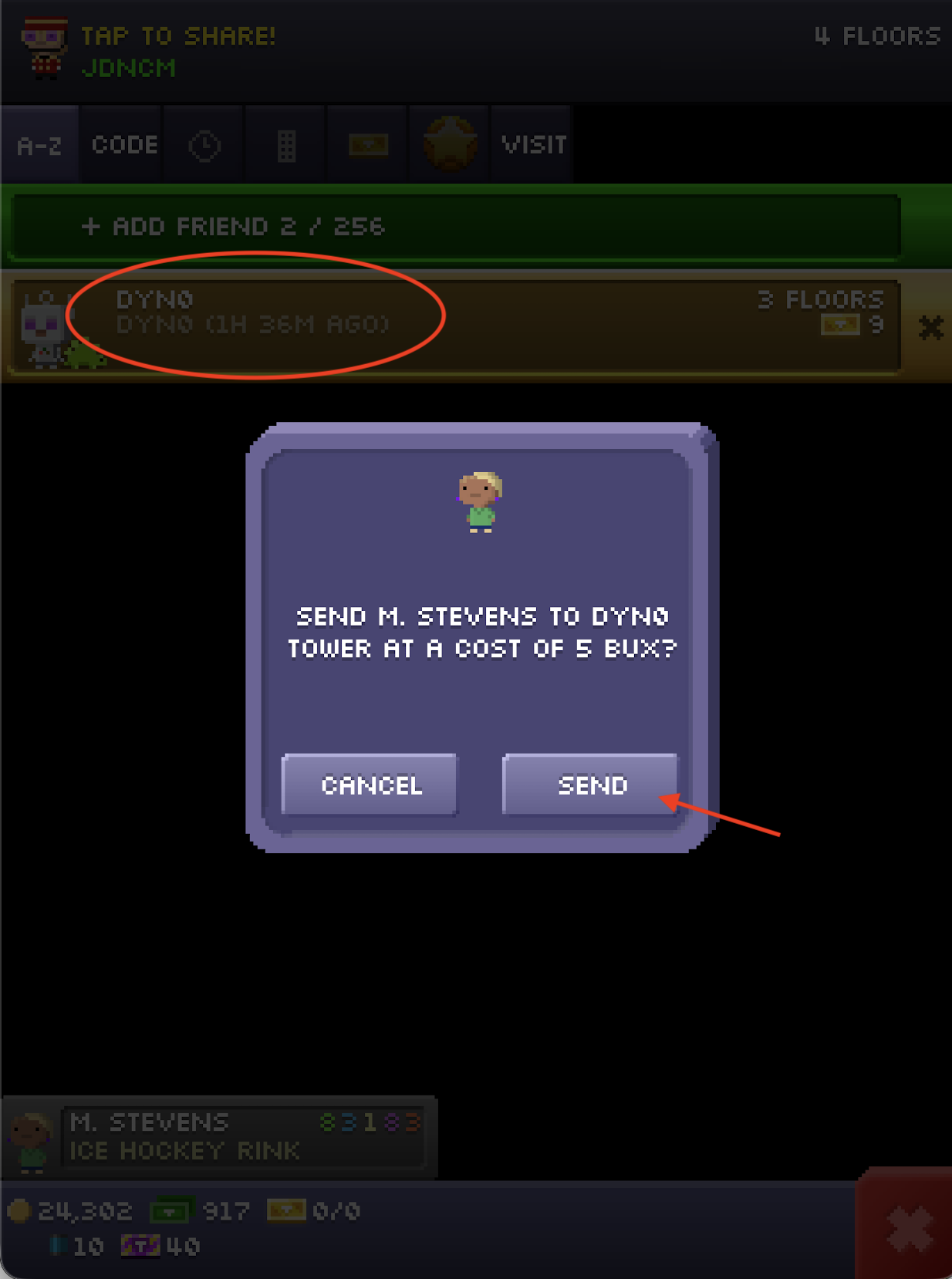
Let’s play around for a minute or two in the game, vising Nimblebit’s tower and sending a Bitizen to the DYN0 player.
After playing around in the game for a minute or two, we can definitely see some
traffic now! And some interesting endpoints too. In particular, the send_item
endpoint looks to be exactly what we want
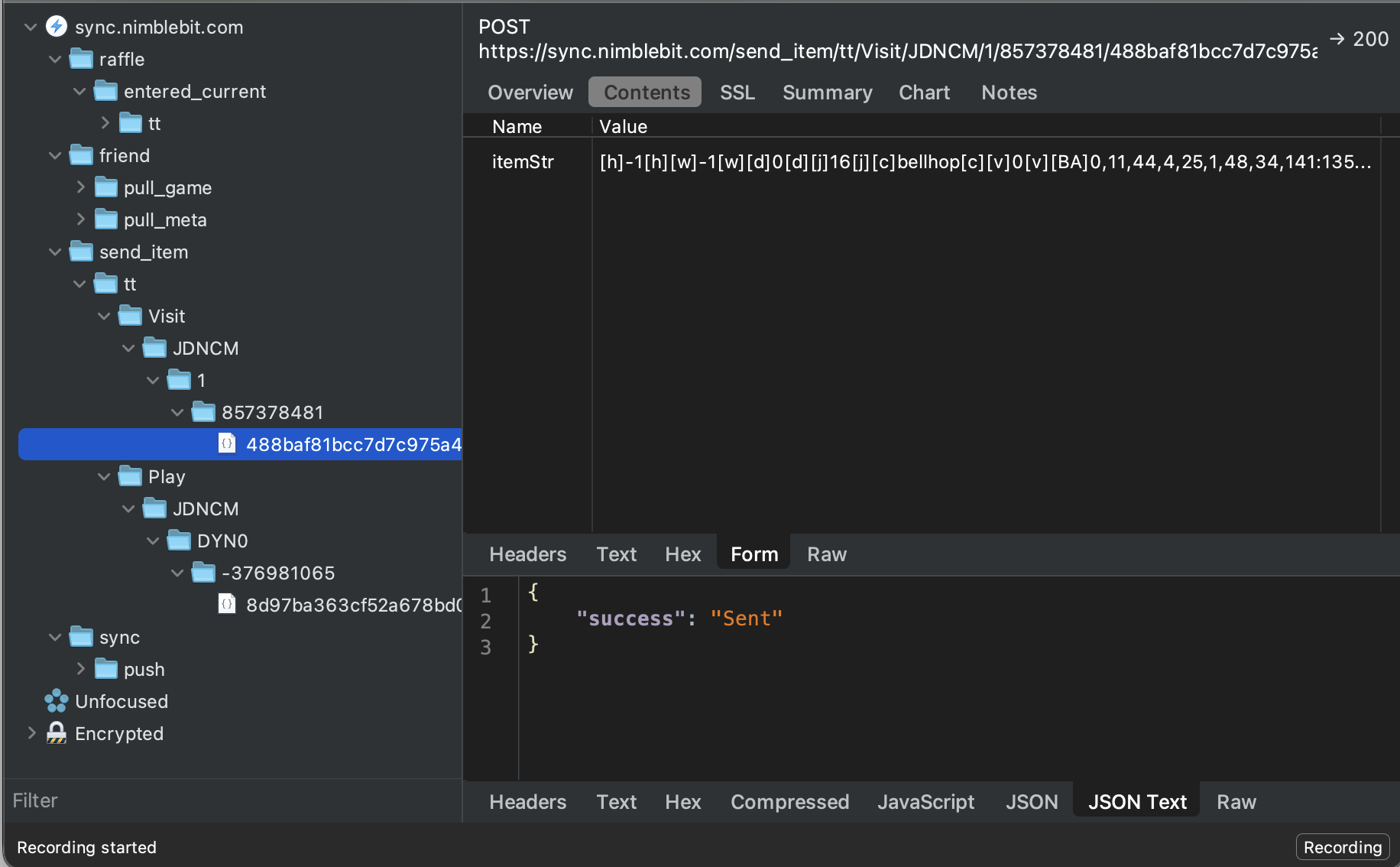
There are two send_item requests, one for when I visited Nimblebit
https://sync.nimblebit.com/send_item/tt/Visit/JDNCM/1/857378481/488baf81bcc7d7c975a4119322f465ddand another for when I sent one of my Bitizens to the DYNO player.
https://sync.nimblebit.com/send_item/tt/Play/JDNCM/DYN0/-376981065/8d97ba363cf52a678bd08056688fcc5ePiecing together some more information, JDNCM is my friend code
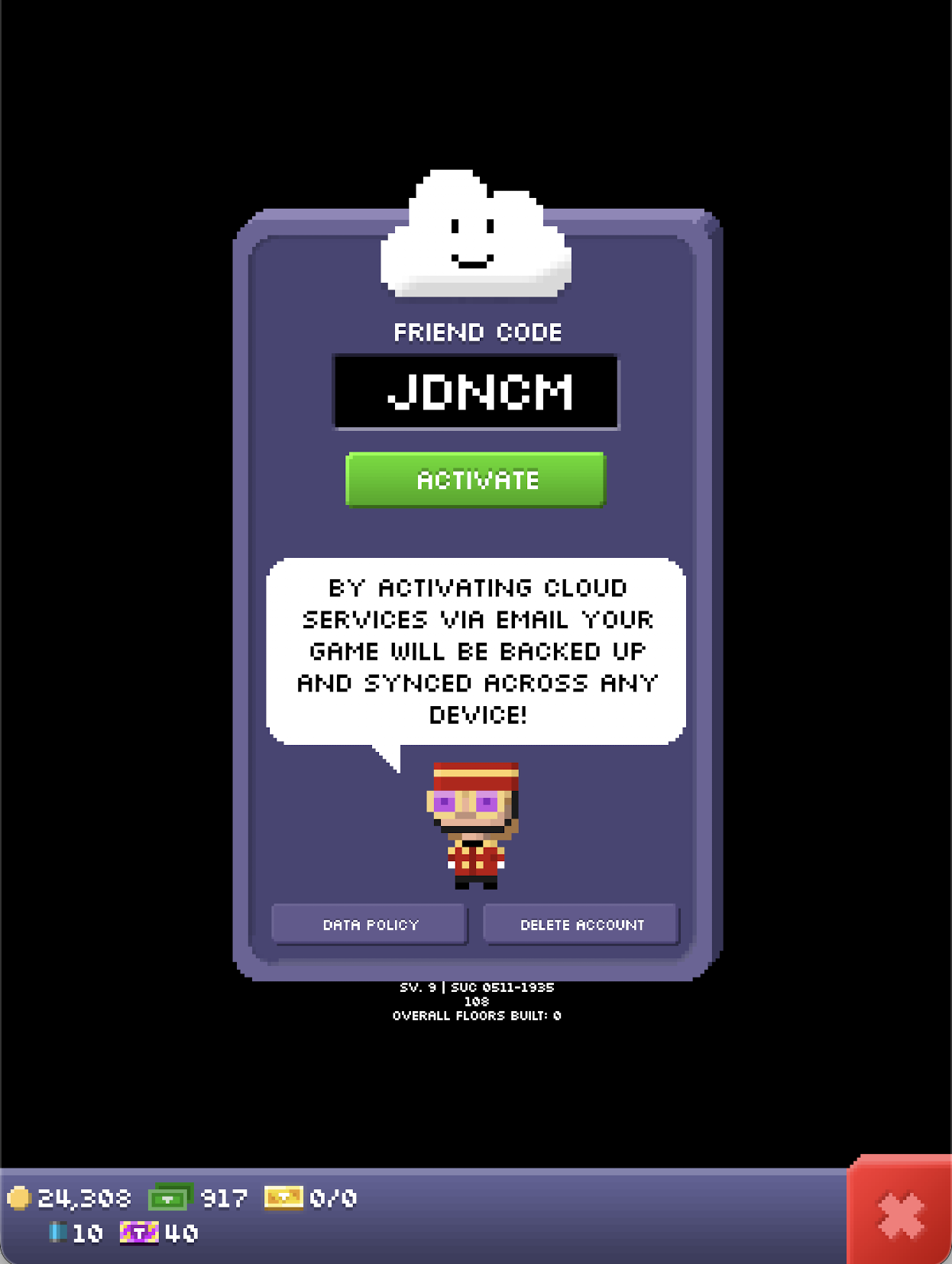
and 1 is Nimblebit’s friend code, so that request makes sense so far. We just
don’t know what the mystery numbers 857378481 and
488baf81bcc7d7c975a4119322f465dd are. Examining the request from when I sent a
Bitizen to DYN0, it follows a similar structure.
5 Conclusions and Next Steps
Taking a guess as to what the number immediately after the “to” player could be, it might just be a random 32bit signed integer as a salt. And looking at the last sequence of the request, it looks like a md5 or sha hash to me.
What happens if we replay the requests? Surprisingly, it works and returns
“success” which could be really cool for some visit automation or something
similar! However, what if we want to send custom in game items to anyone? Let’s
see if we can reuse the request from when I sent the Bitizen to the DYN0
player to send the same Bitizen to another player by modifying the request’s
URL! Unfortunately it doesn’t work, so we can’t replay requests to send any item
to anyone in the game. This reaffirms my belief that the last sequence in the
url is a hash of some kind. Building a trading platform with the architecture of
just replaying requests wouldn’t work anyways, as there is no way to just have a
request for every item you could want to send to every single player - it just
wouldn’t work :/
In a following article, we will look at some other reverse engineering techniques and do some more investigations in pursuit of learning about the TinyTower social API for building our trading platform of in game items. Specifically, I want to learn how the salt for the requests are generated and how the hashes for the requests are computed